The Complete PC Buying Guide for Pakistan (2026)
Last updated: 19/08/2026
Building or upgrading a PC in Pakistan comes with a few challenges you won’t find in generic buying guides — import-driven price swings, unstable voltage, and a market flooded with grey-market components that skip local warranty support entirely. This guide cuts through that. Every recommendation here focuses on genuine ASUS, CORSAIR, and EASE components — all available with proper local warranty through EaseTec, at prices that don’t carry a grey-market markup.
Whether you’re building a first gaming PC, upgrading an aging office machine, or speccing out a workstation for content creation, this guide walks you through every core component, what actually matters when buying it in Pakistan, and what to budget in PKR.
Quick Answer: What Do You Actually Need?
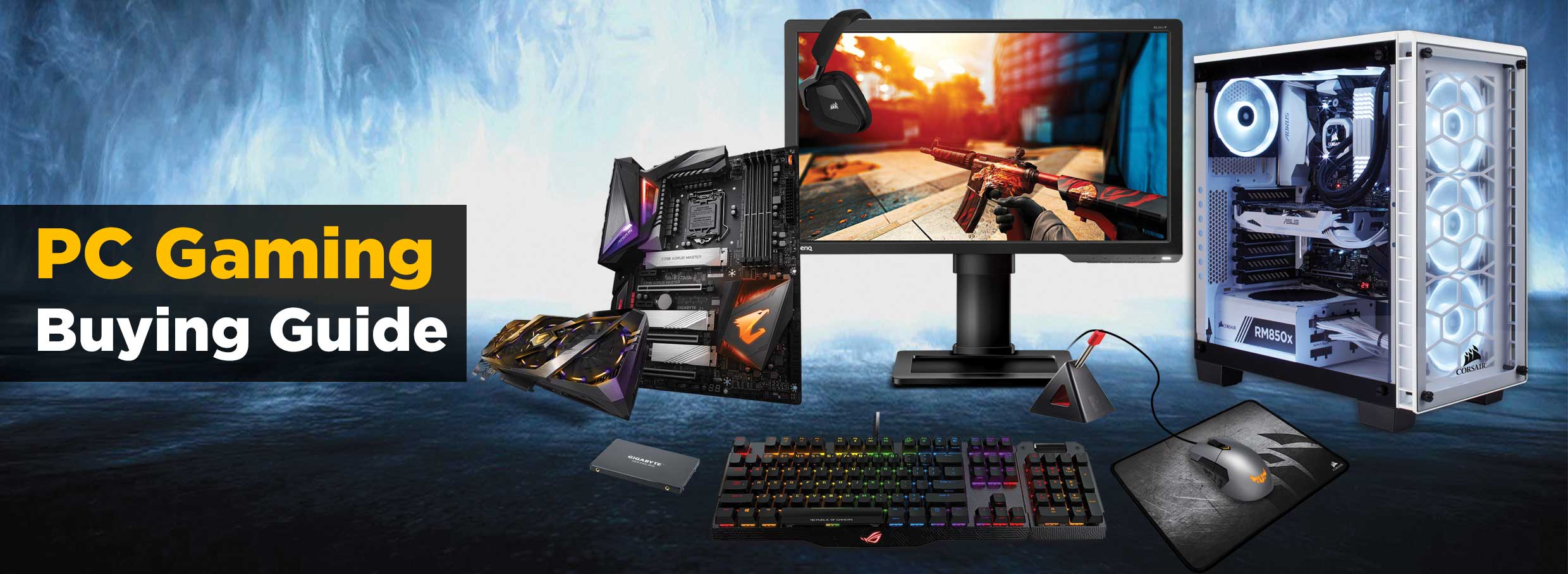
For most buyers, a PC build breaks down into eight components: CPU, motherboard, RAM, storage, GPU, PSU, cooling, and case. Add a monitor, keyboard, and mouse if you’re building from scratch. Below, we cover each one — what it does, what to look for, and how to choose between ASUS, CORSAIR, and EASE options depending on your budget.
Processor (CPU)
What it does: The CPU is your PC’s brain — it handles every calculation your system performs, from opening a browser tab to rendering a game frame.
What to look for:
- Core count — more cores help with multitasking and heavier workloads (editing, streaming, compiling), but not every game uses many cores.
- Clock speed (GHz) — higher generally means faster single-task performance, which matters most for gaming.
- Socket compatibility — your CPU must match your motherboard’s socket type (e.g., AM5 for newer AMD boards, LGA1700/LGA1200 for Intel). Always check this before buying either part separately.
Pakistan-specific tip: Because CPU prices fluctuate with import costs and currency movement, prices can shift week to week. Always confirm current pricing with EaseTec before finalizing a build — don’t rely on prices you saw a few weeks ago.
Graphics Card (GPU)
What it does: Handles all visual rendering — essential for gaming, video editing, and 3D work. A dedicated GPU dramatically outperforms the integrated graphics built into most CPUs.
What to look for:
- VRAM (video memory) — VRAM determines how much visual data your card can store; bus width (bits) determines how fast that data travels to the GPU core.
Capacity (GB) – 6–8GB is a comfortable baseline for 1080p gaming in 2026; 12GB+ if you’re targeting 1440p/4K or GPU-heavy creative work.
Bus Width (Bits) – Aim for 128-bit for solid 1080p performance, 192-bit to 256-bit for high-frame rate 1440p, and 256-bit+ for intensive 4K rendering.
- Power draw vs. your PSU — higher-end cards need more stable, higher-wattage power supplies. Check your PSU’s headroom before upgrading a GPU alone.
- Physical size — measure your case’s clearance before buying; larger cards won’t fit every chassis.
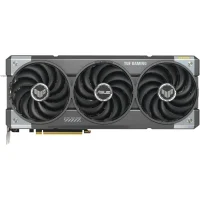
ASUS & EASE picks: ASUS ROG and TUF-series cards are a strong choice if you want proven build quality and extended warranty support. EASE’s GeForce RTX line (like the E305 RTX 3050 8GB with a 128-bit memory bus) is a genuinely good value option if you want solid 1080p performance without paying import-inflated prices for a bigger brand name.
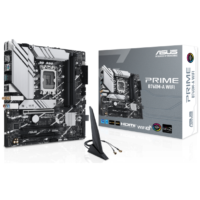
Motherboard
What it does: Connects every component in your PC — CPU, RAM, storage, GPU, and power all run through it.
What to look for:
- Socket type — must match your CPU exactly.
- Chipset — determines what features are supported (overclocking, number of RAM slots, M.2 storage slots, etc.).
- Form factor — ATX, Micro-ATX, or Mini-ITX must match your case size.
Pakistan-specific tip: Because voltage in parts of Pakistan can be inconsistent, boards with solid VRM (voltage regulation) design tend to hold up better long-term. Pair any motherboard with a reliable UPS or voltage stabilizer — this alone prevents a large share of hardware failures we see reported locally.
Memory (RAM)
What it does: Temporary working memory — the more you have, the more your system can juggle at once without slowing down.
What to look for:
- Capacity — 16GB is the realistic minimum for gaming or general use in 2026; 32GB if you’re multitasking heavily, streaming, or doing content creation.
- Speed (MHz / MT/s) & CAS Latency (CL) – Speed dictates bandwidth, while CAS Latency measures the delay (in clock cycles) before RAM responds to a CPU request.
- Overclocking Profiles (Intel XMP / AMD EXPO) — RAM usually runs at default lower frequencies out of the box. Look for kits with XMP or EXPO support, which allow you to enable the advertised high speeds and tight CL timings with a single click in your BIOS.
- Compatibility — always confirm your motherboard supports the RAM type (DDR4 vs. DDR5) and speed you’re buying.
CORSAIR & EASE pick:
CORSAIR Vengeance Series: A top choice for high-performance systems, offering premium heat spreaders, low-latency profiles, and maximum stability for gaming and heavy workloads.
EASE Desktop RAM: An excellent budget-friendly choice featuring reliable DDR4/DDR5 speeds and XMP support for value-focused and daily office builds.
Storage (SSD/HDD)
What it does: Stores your operating system, games, and files. Storage speed directly affects boot times and game/app load times.
What to look for:
Form Factor & Interface:
M.2 NVMe SSD – Small stick mounted directly on the motherboard for maximum performance. Choose PCIe Gen 3 for solid everyday speed or PCIe Gen 4 for high-speed gaming and 4K editing.
2.5″ SATA SSD – Plugs in via standard SATA cables (~550 MB/s speed). An affordable middle ground for secondary storage or upgrading older systems.
3.5″ Mechanical HDD – Traditional rotational drive (5400/7200 RPM). Cheapest per gigabyte, best reserved for mass media and bulk file backups rather than daily applications.
Practical setup: A common, cost-effective approach is a smaller NVMe SSD (500GB–1TB) for your OS and main apps, paired with a larger 2.5″ SATA SSD or HDD for secondary file storage.
EASE M.2 NVMe Series (PCIe Gen 3 & Gen 4): Ultra-fast M.2 drives (offering speeds up to 6,500 MB/s on Gen 4 models) for instant system responsiveness and rapid game loads.
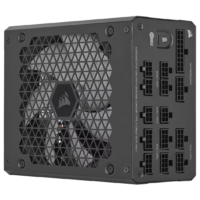
Power Supply (PSU)
What it does: Delivers stable power to every component in your system. An underpowered or low-quality PSU is one of the most common causes of instability — and hardware damage — in PC builds.
What to look for:
Wattage — must comfortably exceed your total system draw, especially with a dedicated GPU installed. Leave headroom for future upgrades.
- 80+ certification — indicates power efficiency (Bronze, Gold, Platinum, etc. — higher tiers waste less power as heat).
- Modular vs. non-modular — modular PSUs let you use only the cables you need, improving airflow and cable management.
Pakistan-specific tip: This is arguably the most important local buying tip in this whole guide — Pakistan’s grid voltage is genuinely less stable than in many markets. A high-quality PSU from CORSAIR or EASE, combined with a good UPS or automatic voltage regulator, is the single best investment you can make to protect the rest of your build from damage during voltage spikes or outages.
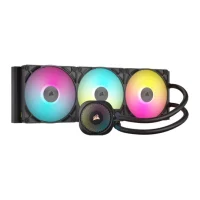
Cooling
What it does: Keeps your CPU (and GPU) running at safe temperatures under load, preventing thermal throttling and long-term wear.
What to look for:
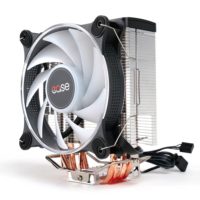
- Stock cooler vs. aftermarket — many CPUs ship with an adequate stock cooler for light use, but gaming or overclocking benefits from an upgrade.
- Air vs. liquid (AIO) cooling — air coolers are simpler and more reliable long-term; liquid coolers run quieter and cooler under heavy load and expensive parts.
EASE pick: The EASE EAF280 is a solid, budget-friendly air cooler option for buyers who want reliable thermals without the added cost or complexity of liquid cooling.
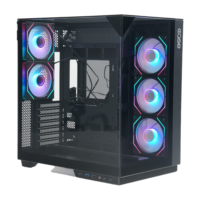
Case (Casing)
What it does: Houses and protects every component, and plays a real role in airflow and long-term cooling performance — not just looks.
What to look for:
- Airflow design — mesh front panels generally cool better than solid tempered-glass fronts.
- Size compatibility — confirm your motherboard form factor and GPU length fit before buying.
- Cable management space — makes building and future upgrades significantly easier.
Monitor
What it does: Your window into everything your PC does — resolution, refresh rate, and response time all directly shape how smooth and sharp your experience feels.
What to look for:
- Resolution — 1080p remains the most GPU-friendly option; 1440p and 4K need significantly more graphics power to run smoothly.
- Refresh rate — 60Hz is the baseline; 120Hz-144Hz+ is noticeably smoother for gaming.
- Response time — 5ms or less is recommended for fast-paced games to avoid motion blur.
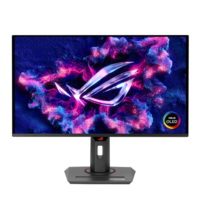
ASUS pick: ASUS’s monitor lineup (including their ROG gaming displays) covers everything from budget 1080p panels to high-refresh gaming monitors, with generally excellent color accuracy and panel quality.
Bringing It All Together: Sample Budget Tiers
| Tier | Best For | Focus |
|---|---|---|
| Budget Build | Everyday use, esports titles, students | EASE components across CPU/GPU/cooling, prioritize a reliable PSU over raw GPU power |
| Mid-Range Build | 1080p/1440p gaming, content creation | Mix of ASUS and EASE parts, CORSAIR RAM and PSU for reliability |
| High-End Build | 1440p/4K gaming, streaming, heavy creative work | ASUS ROG-tier GPU and motherboard, CORSAIR PSU and cooling |
A Final Word on Buying Locally
Every component in this guide is available through EaseTec with genuine manufacturer warranty support — something grey-market and unofficial imports typically can’t offer. Given how much local voltage instability and import price swings affect PC builds in Pakistan specifically, buying through an authorized retailer isn’t just about trust — it’s protection for your investment.